Import Your Model
Start from the 3D files you already have, STL, OBJ, or other common formats.
Save material, move faster, and create production-ready mold systems with confidence.
Simple Workflow
Start from the 3D files you already have, STL, OBJ, or other common formats.
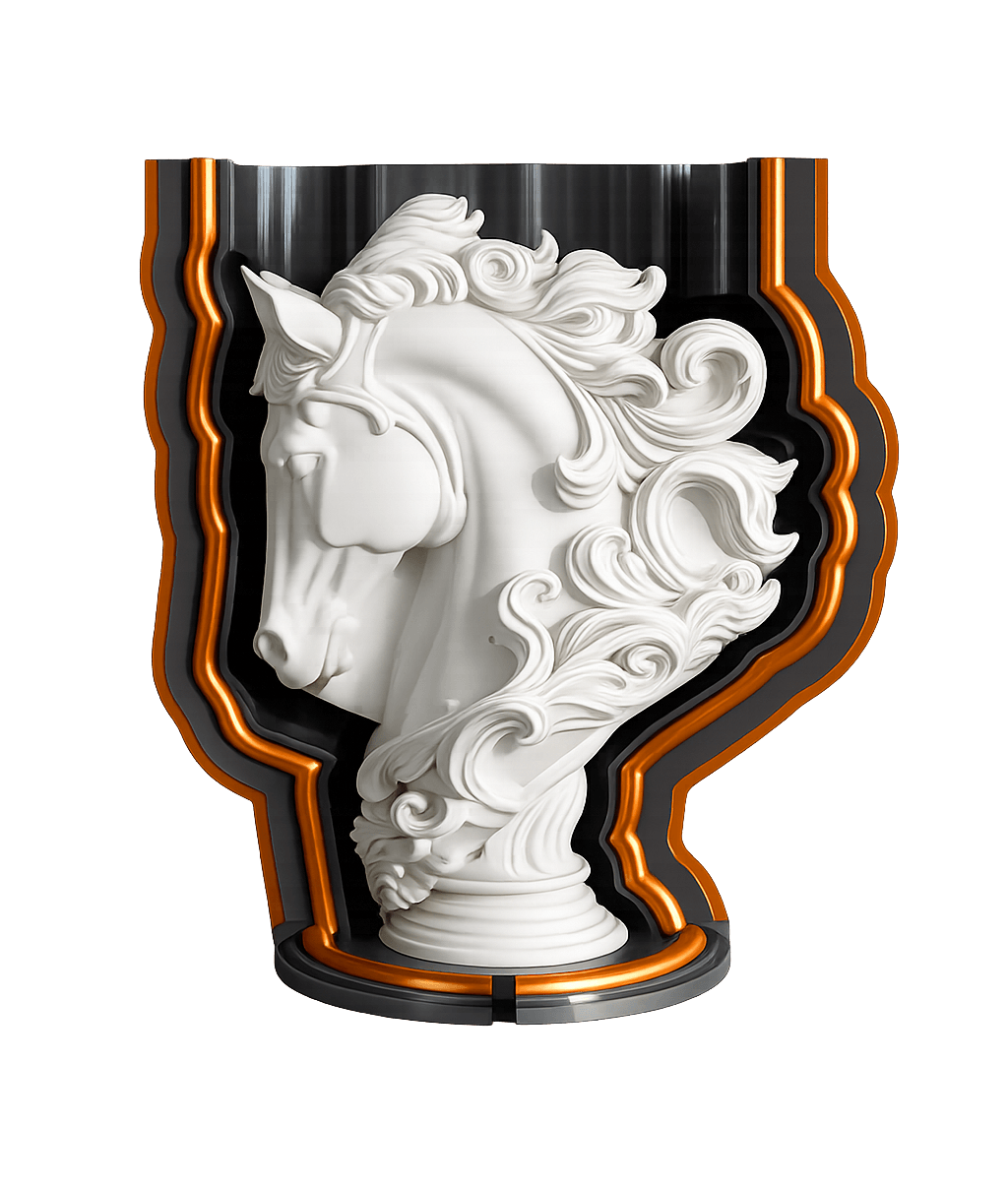
Automatically create adaptive mold boxes with splits, clamps, funnels, and channels.
Print the parts, assemble the system, and pour the silicone with a fast, clean workflow.
Mold systems
Choose a proven starting point, then adapt its splits, channels, bases, and production settings to your project.
A balanced, material-efficient system for most models and everyday silicone mold production.
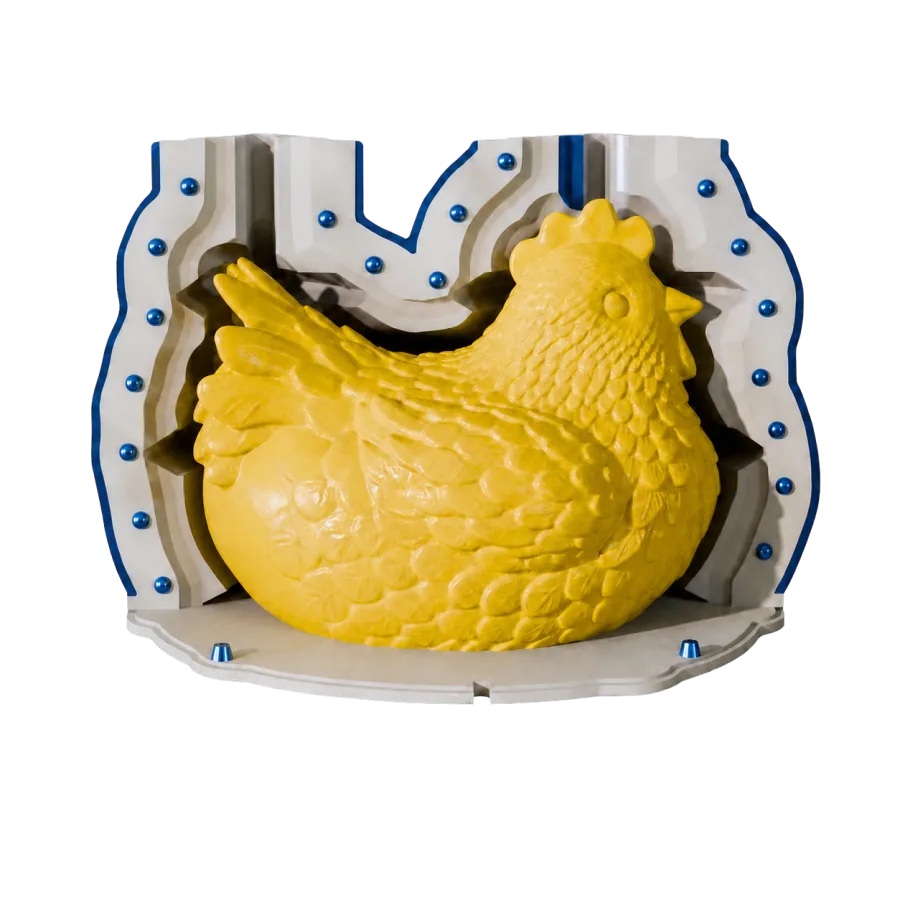
Generate shape-matched funnels and feet, trim the top of your cast, and handle undercuts automatically. Create direct or silicone mold systems for producing plaster molds.
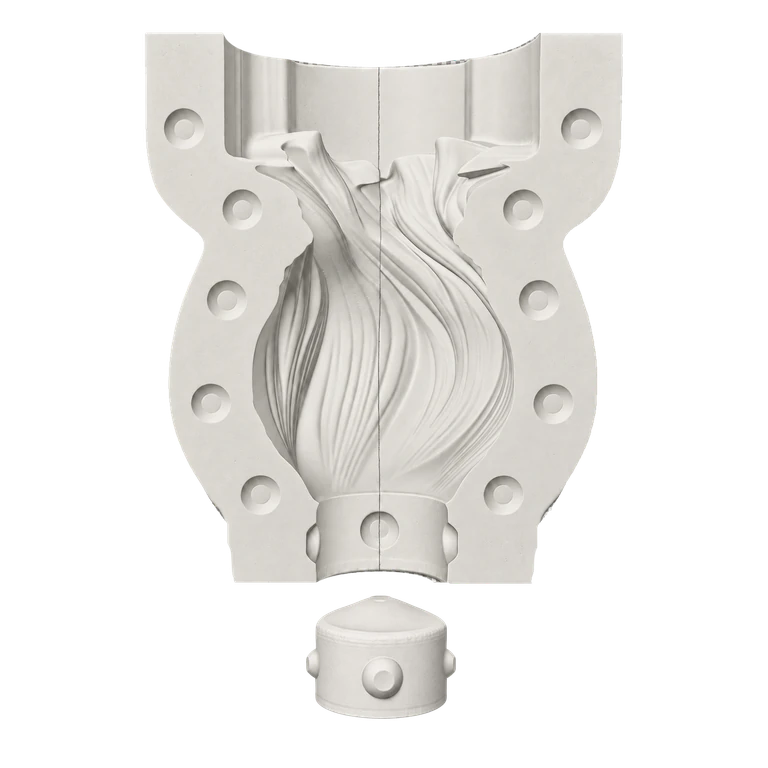
An open mold system for flat-backed parts and straightforward single-pour projects.
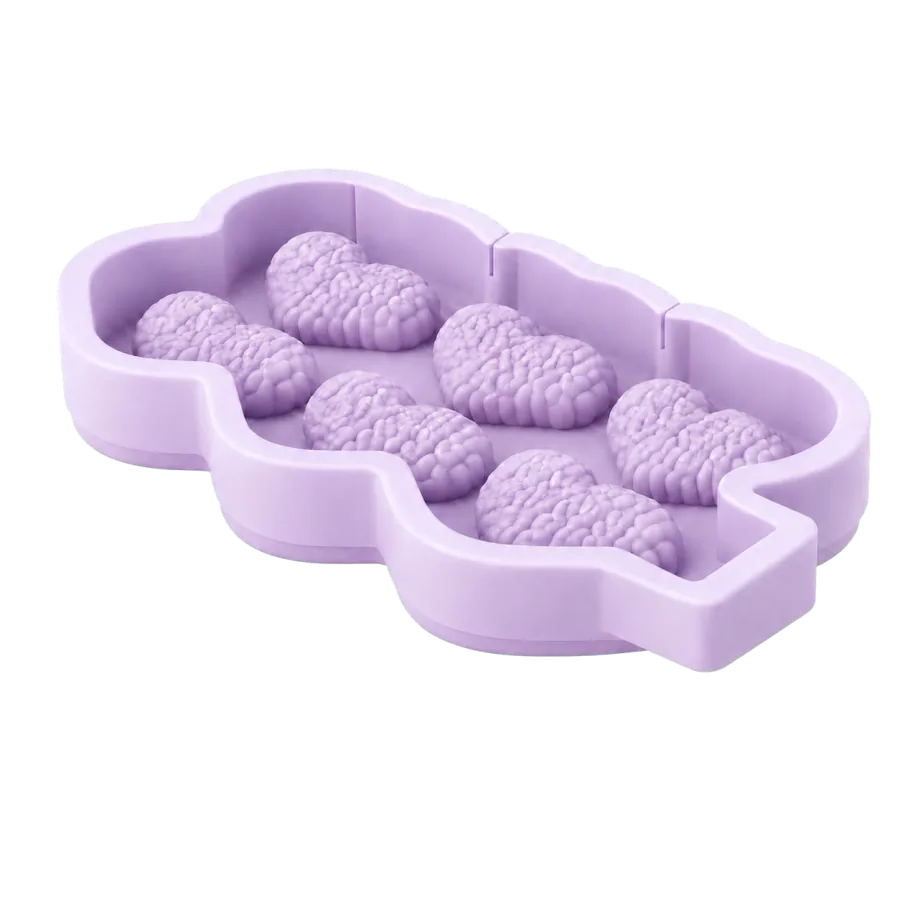
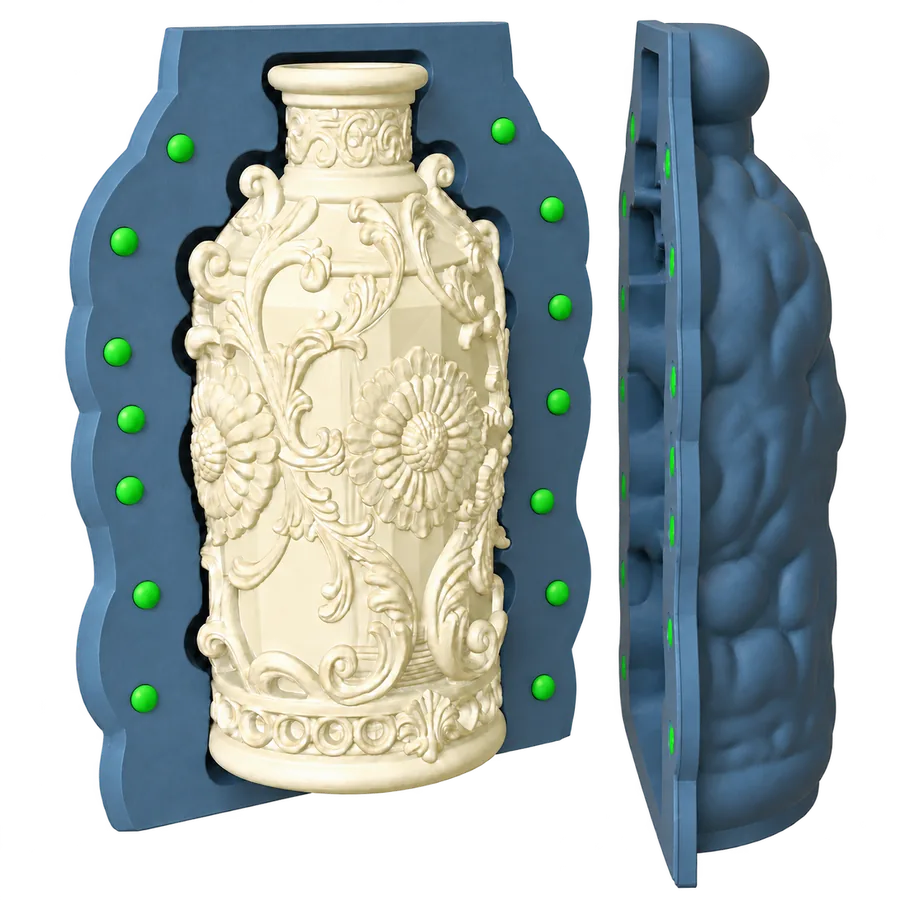
An enclosed multi-part silicone system for forms that need controlled parting lines.
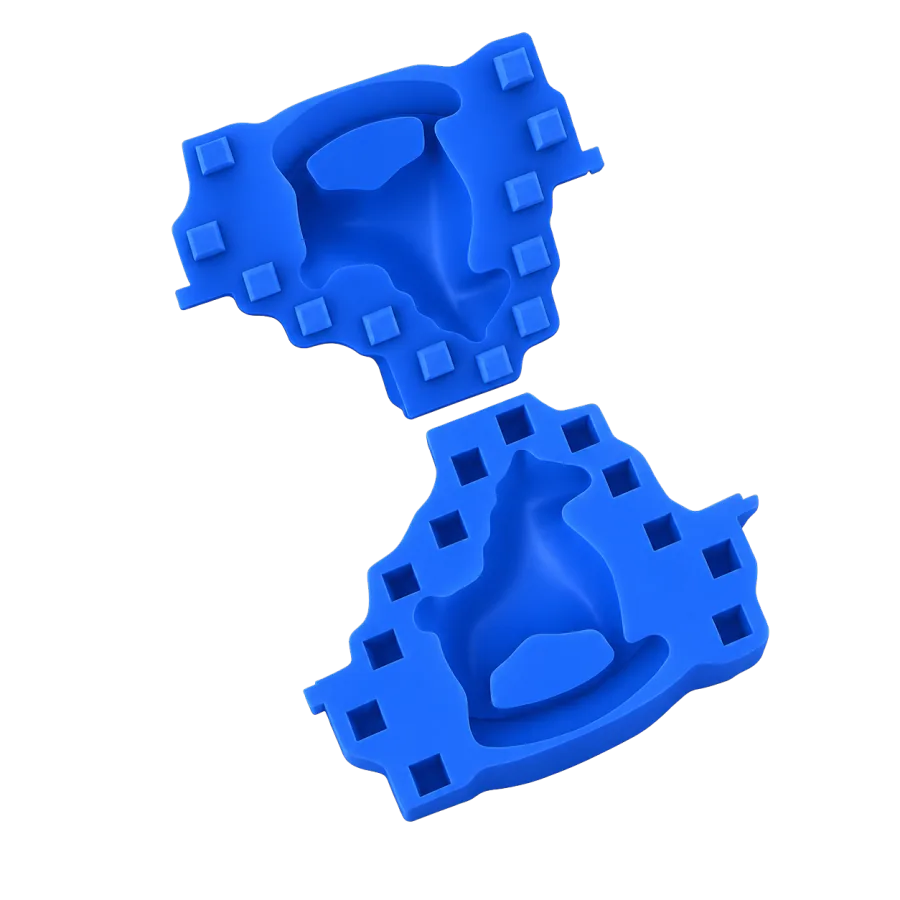
Automatically generate shape-adapted inner cores for hollow castings and vessel-like forms, no manual core modeling required.
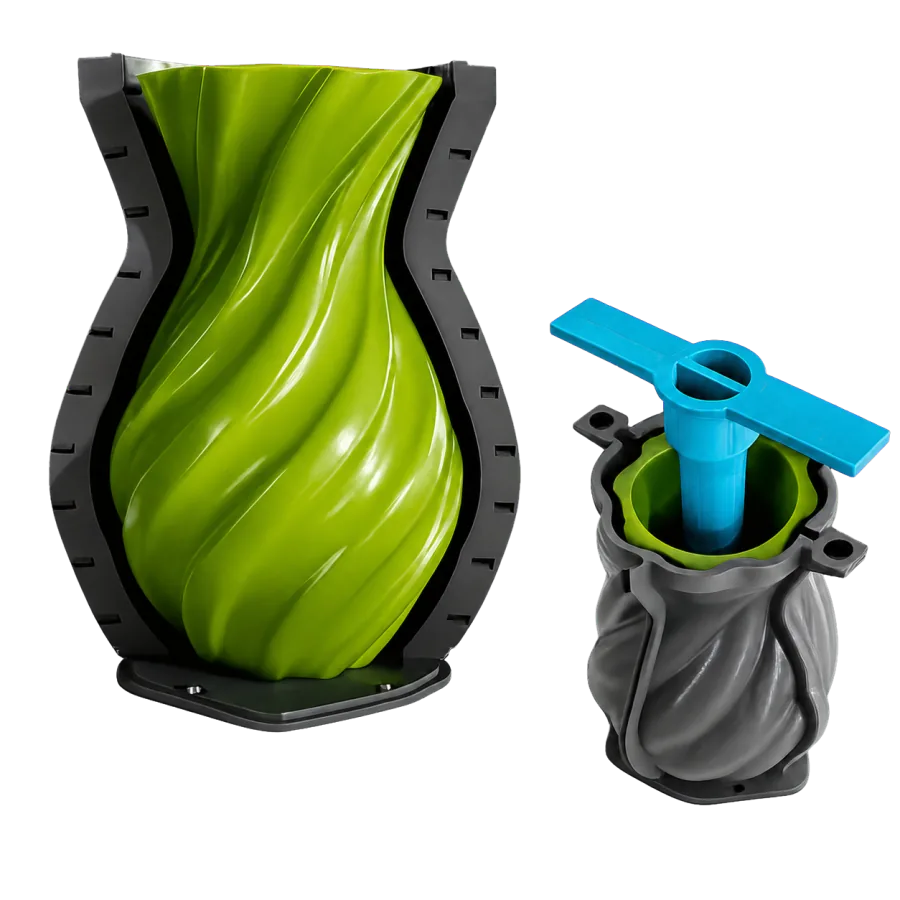
Build a direct-printed mold with an open base for accessible pouring and extraction.
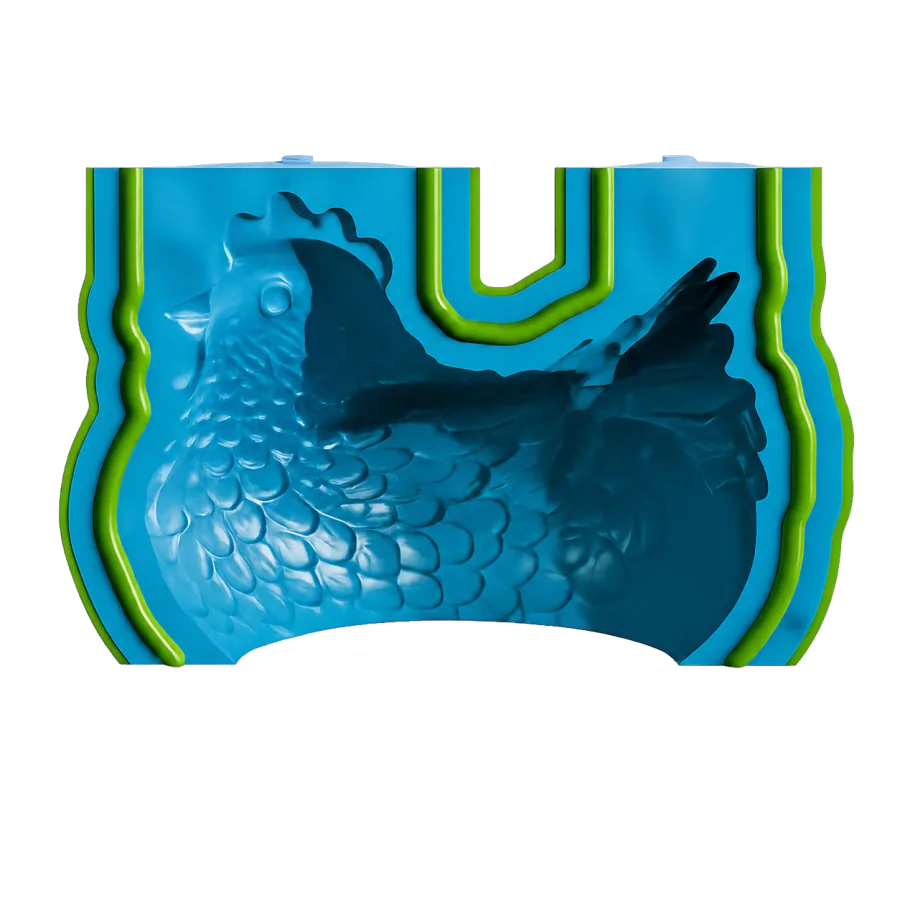
Create a direct-printed mold with an integrated top funnel and controlled fill path.
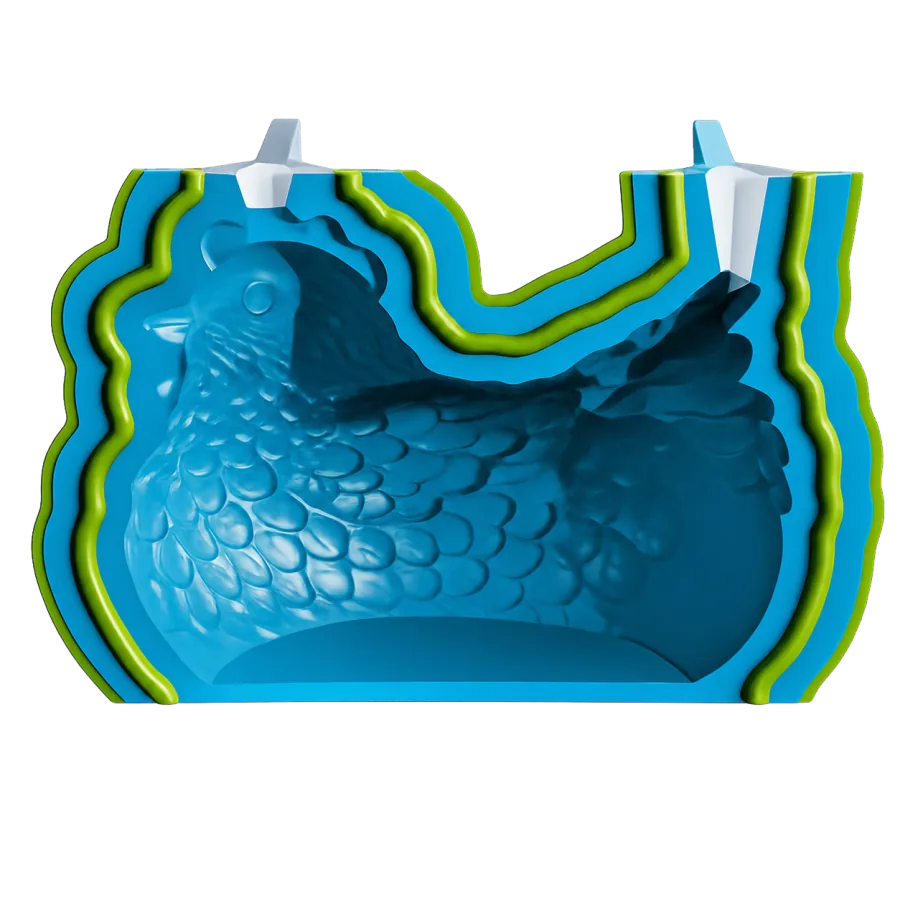
Generate a direct-print mold and matching core for creating flexible skins over any 3D model—ideal for latex and silicone masks.
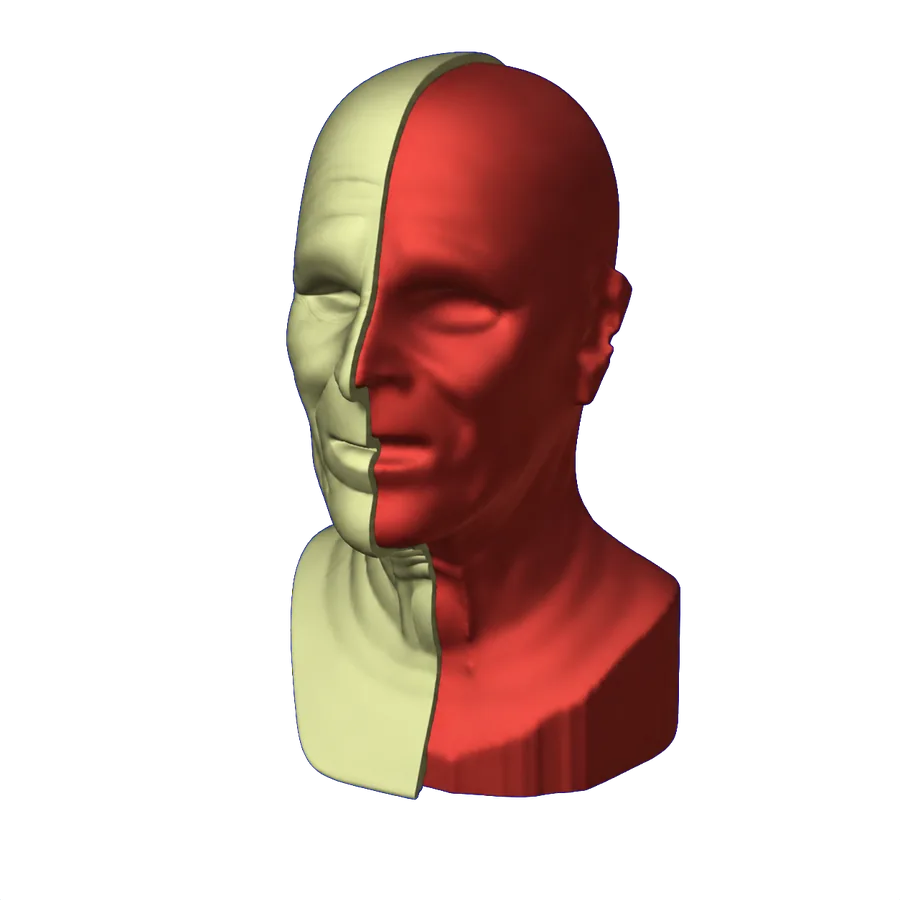
Generate a custom fixture from your 3D model to hold parts securely for pad printing, soldering, painting, engraving, and other precision work.
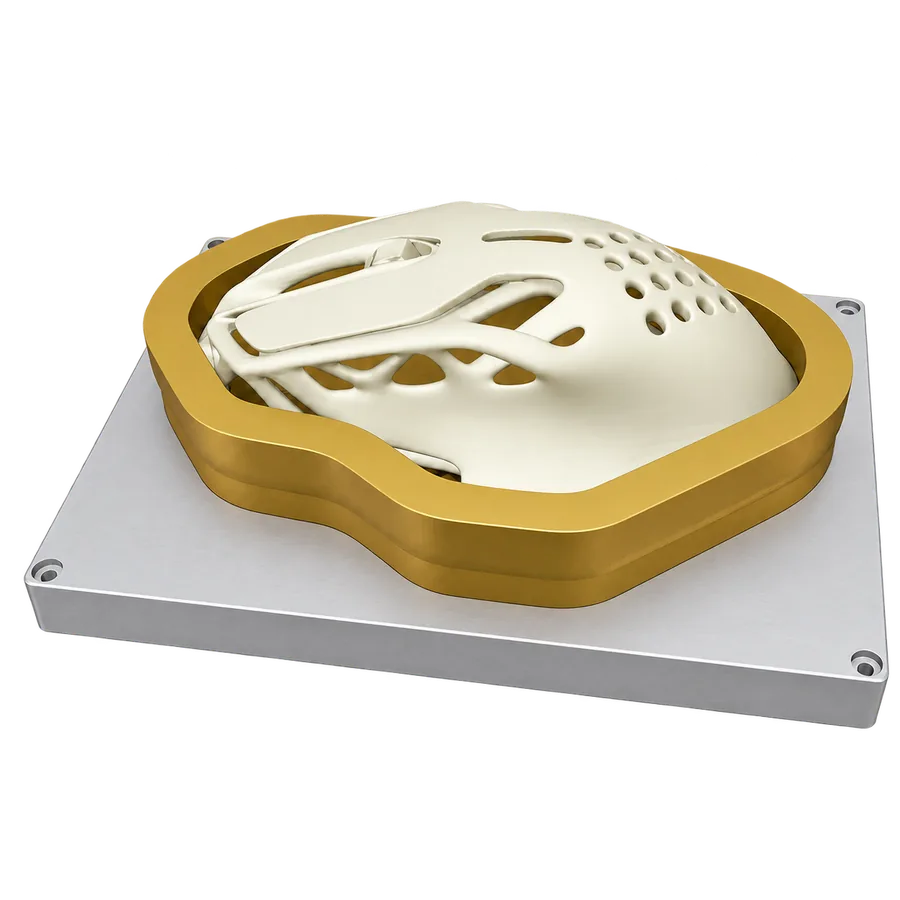
Create a fitted protective box that keeps delicate finished models and handmade pieces safe during shipping, storage, and organization.
Design capabilities
Solve the difficult preparation work inside one guided mold-making workflow.
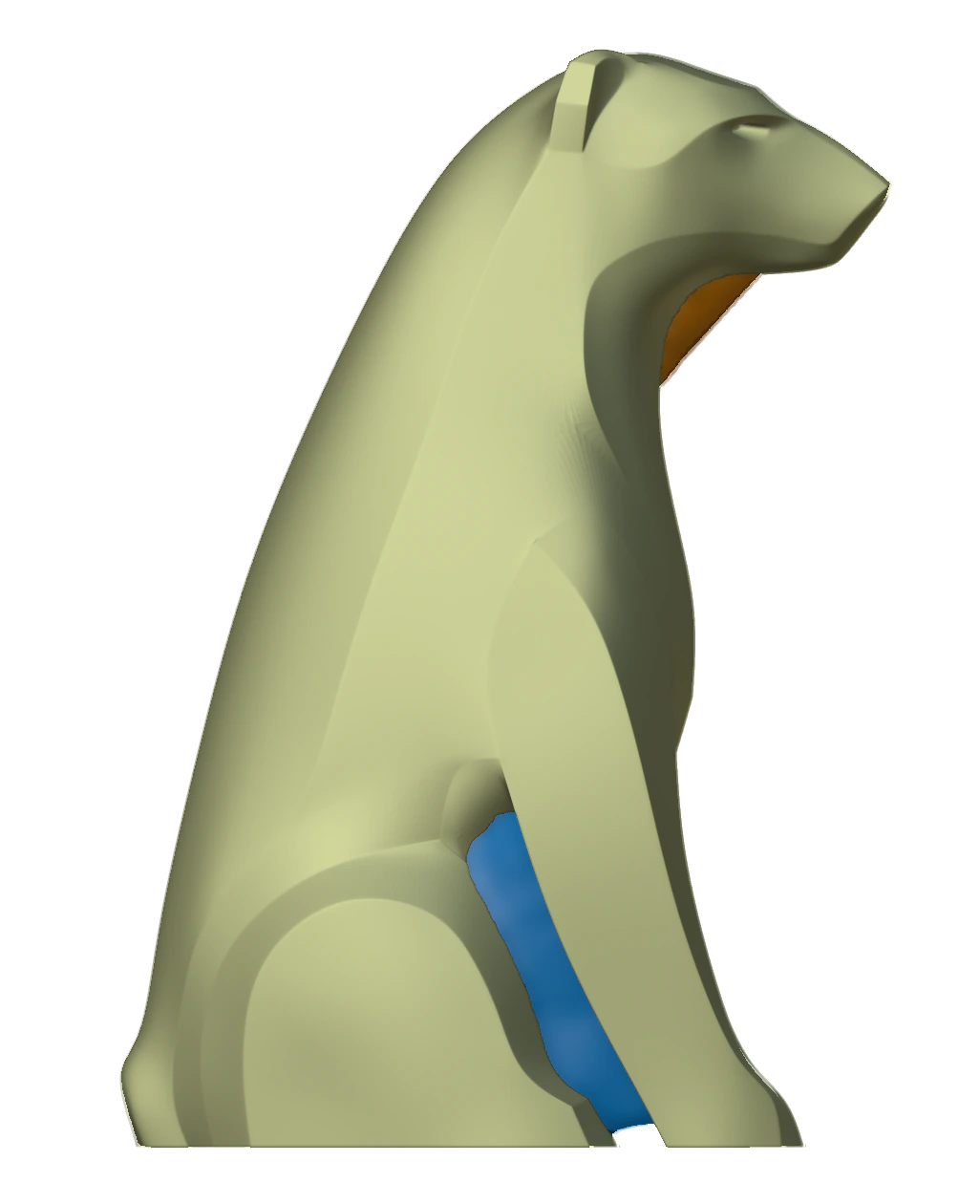
Automatically close gaps and open areas around the master, creating a clean, watertight connection with the mold base while helping prevent air traps.
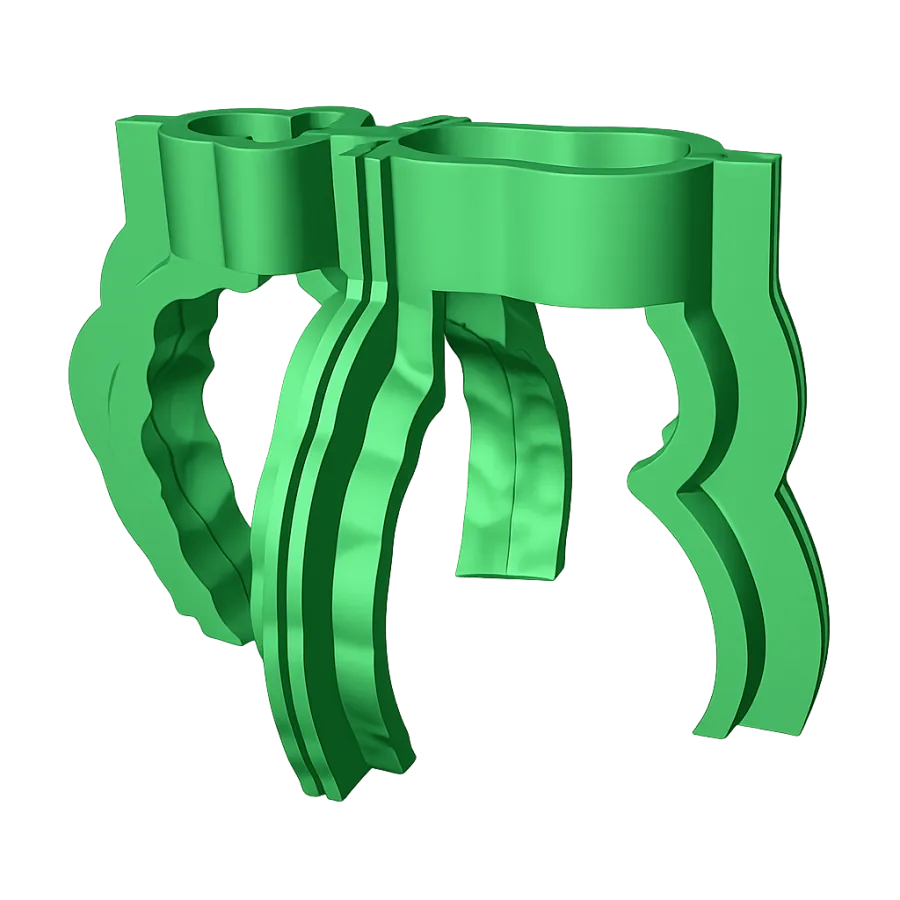
Create a support box for the silicone mold without printing a completely new conventional mold box every time, making repeated production faster and more material-efficient.
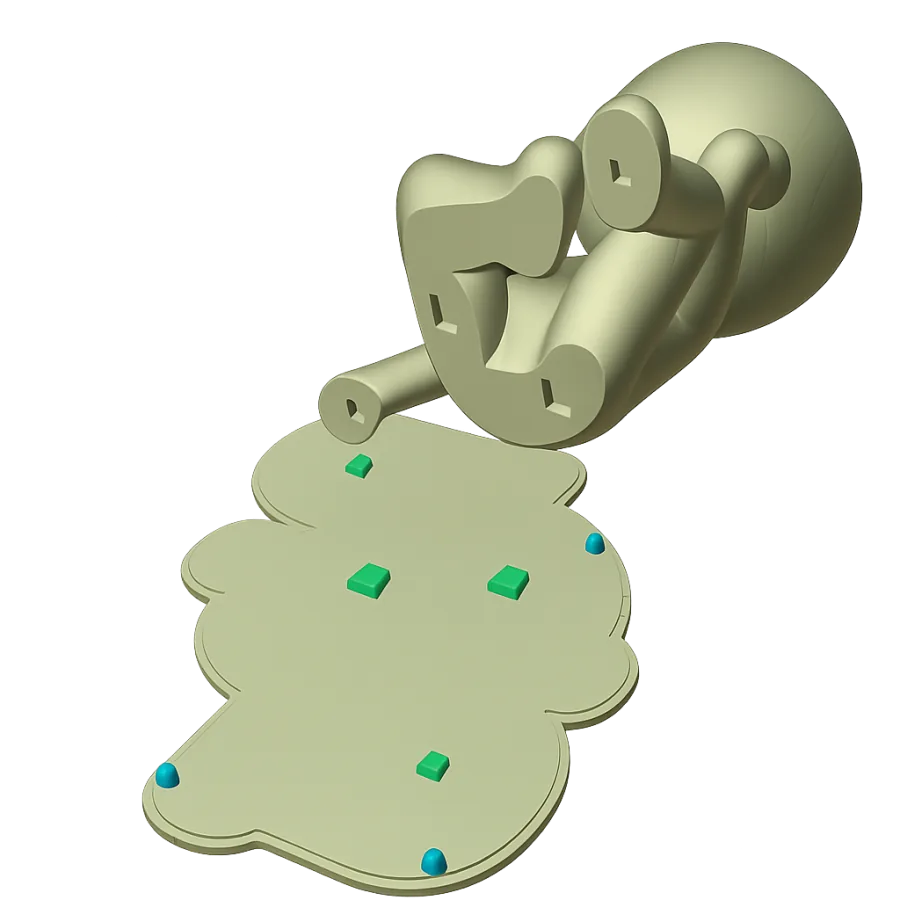
Automatically position secure base keys around unfixed masters, keeping them stable and correctly aligned during molding.
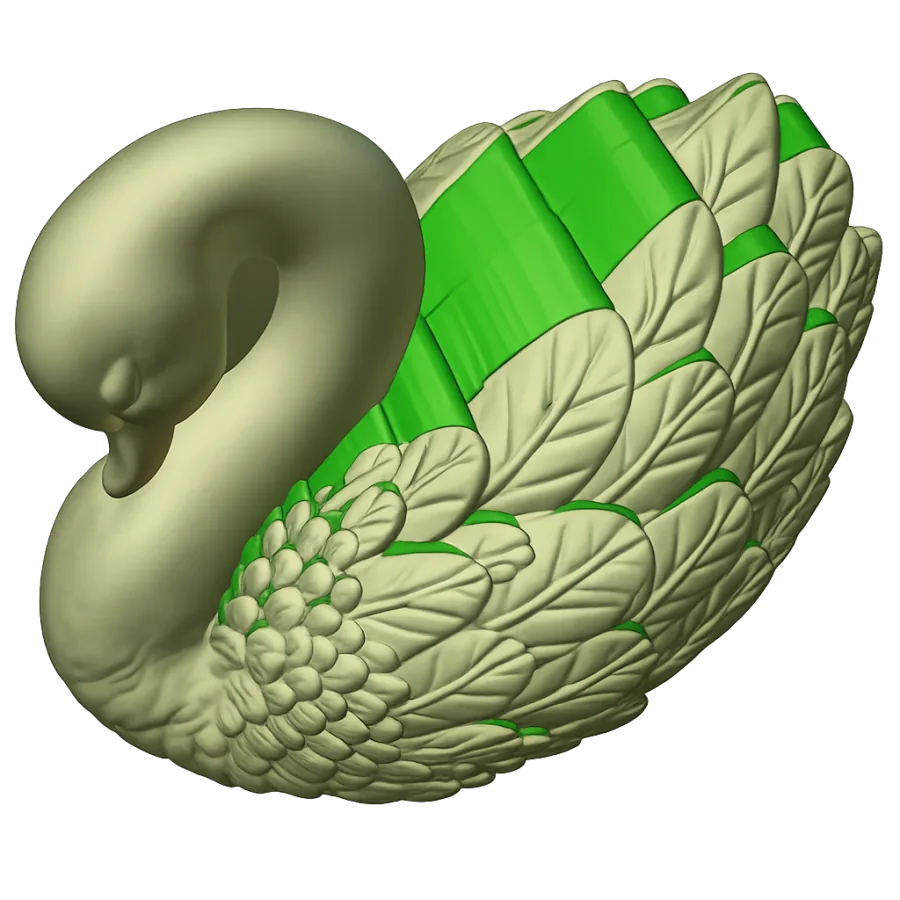
Automatically remove undercuts along the selected extraction direction for easier demolding and safer master removal in silicone and direct-printed molds.
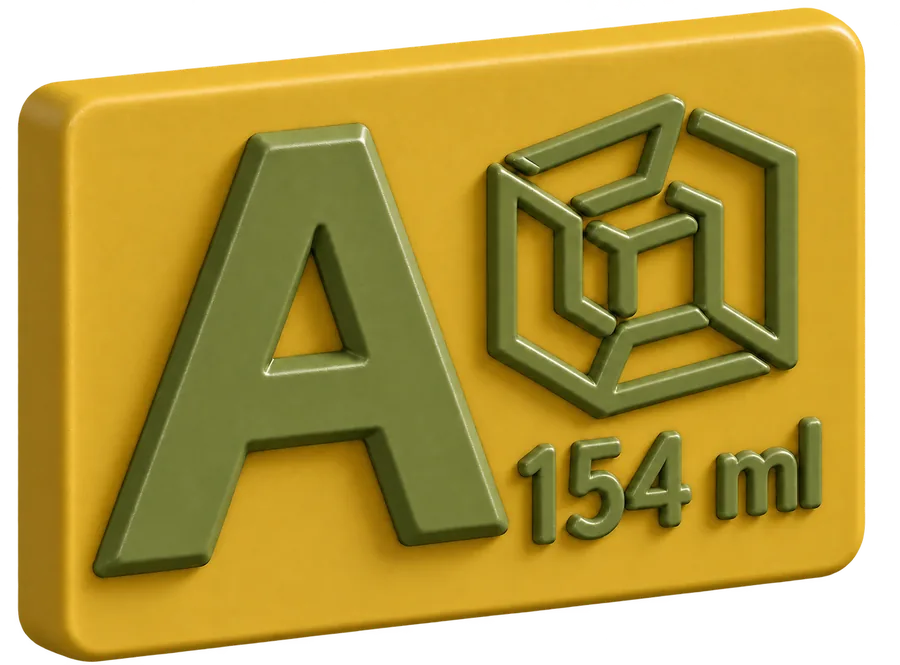
Add logos, custom text, or casting-volume information to molds and master models; place and scale them freely as engraved or raised details.
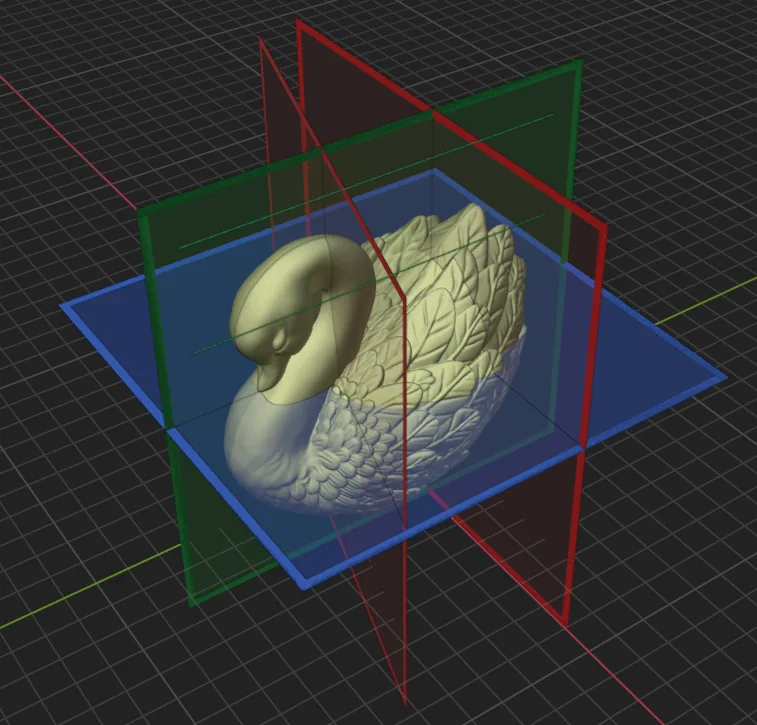
Add, position, and rotate split planes as needed to control precisely how complex molds and mold boxes are divided.
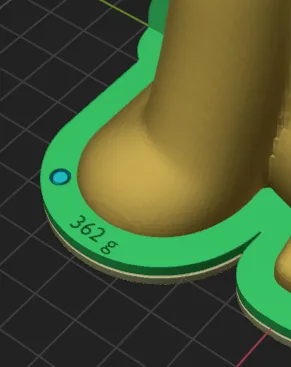
Calculate mold volume, estimated silicone requirements, and casting capacity before production, with optional engraving on the generated mold and casting box.
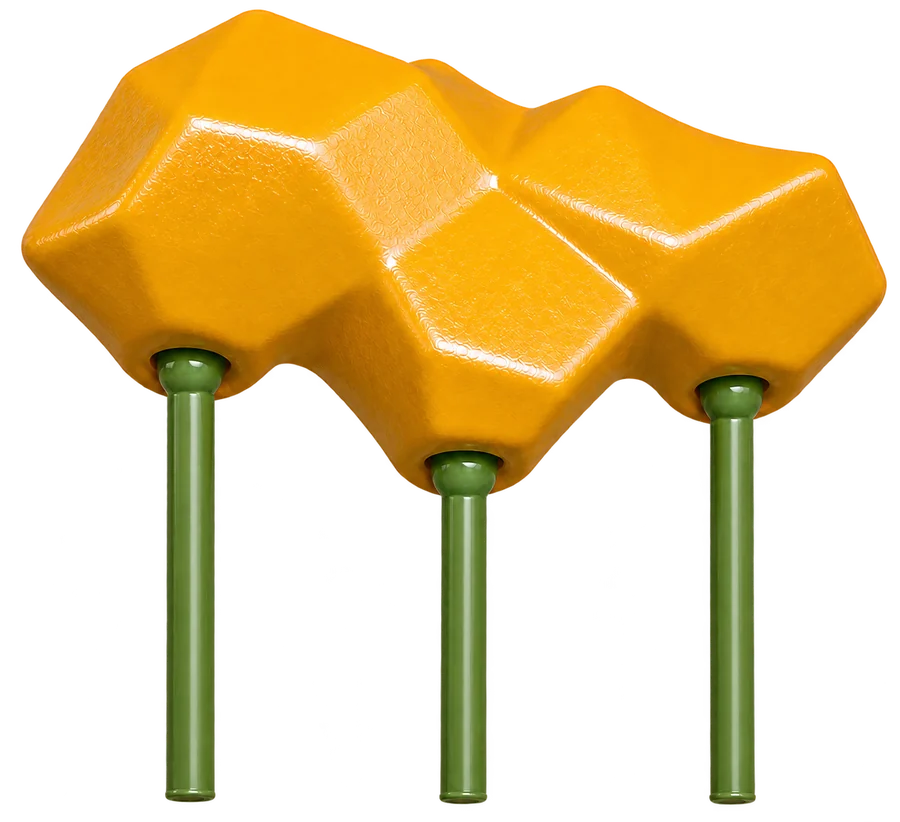
Automatically detect trapped islands and place support pillars beneath them to prevent air traps and improve casting reliability.

Create a solid, printable base directly on flat-bottomed master models. Set the base reference and threshold angle, then generate and join the foundation in one guided step.
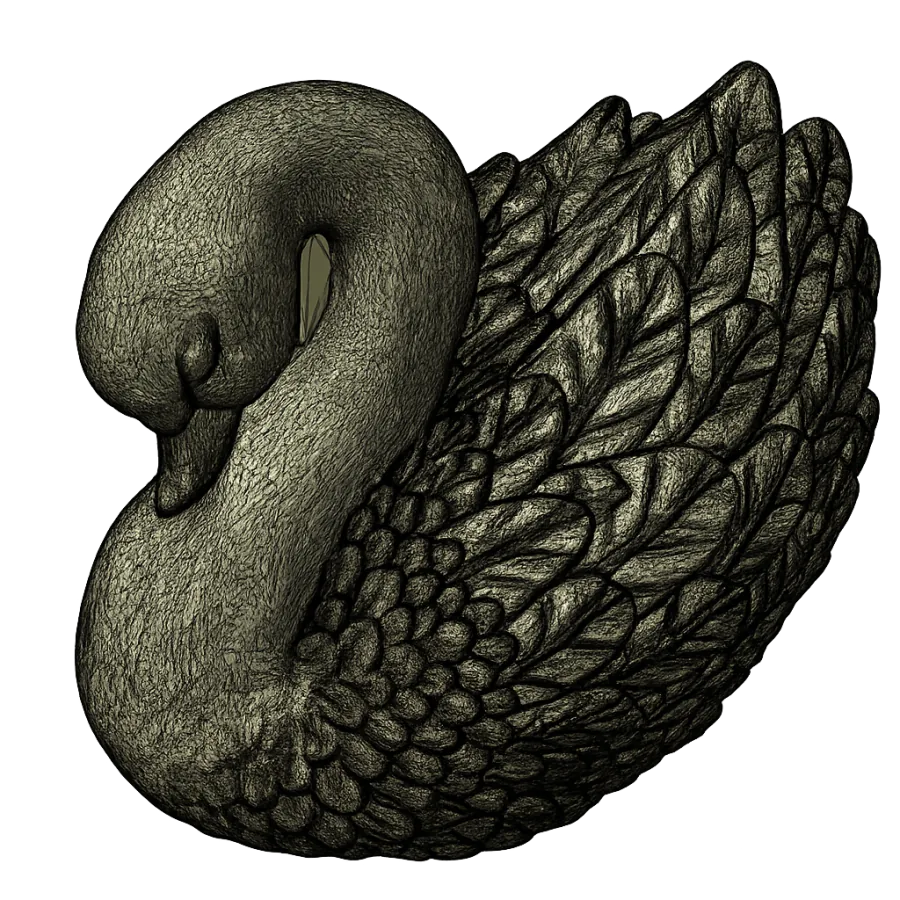
Repair, clean, and simplify difficult source geometry before turning it into reliable, manifold mold components.
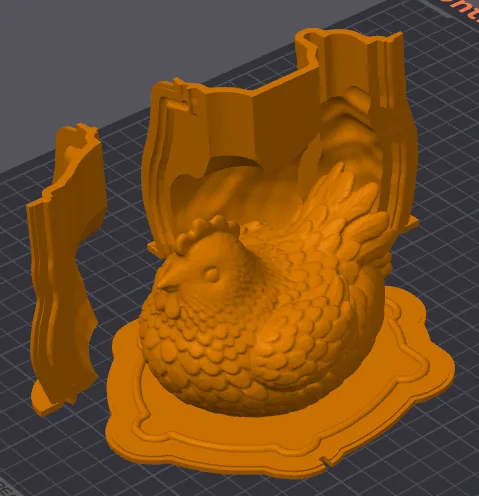
Export every generated mold-system component as a separate ready-to-print STL file in one action.
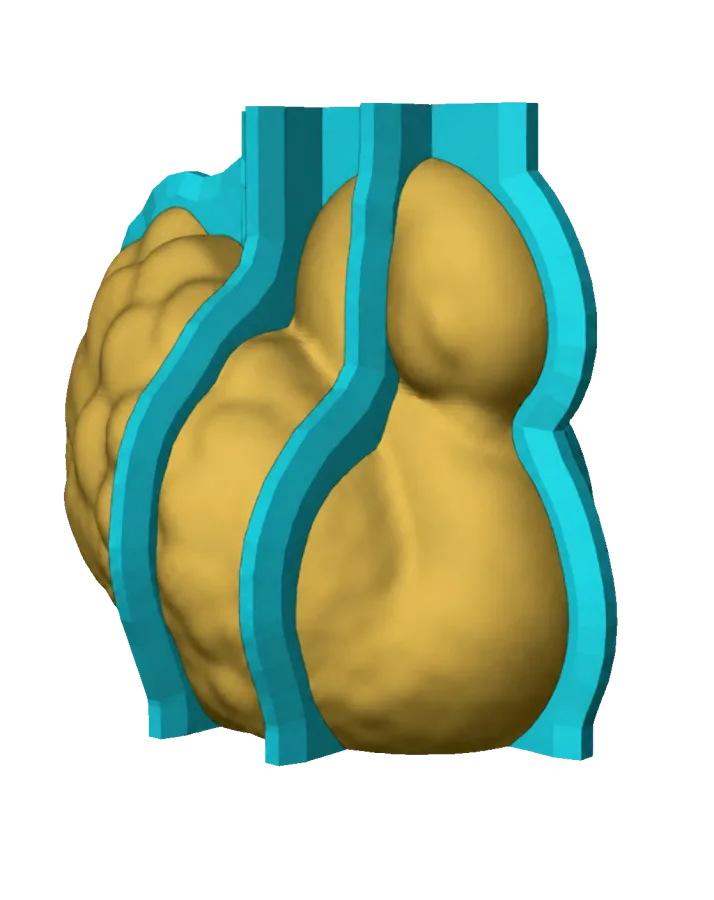
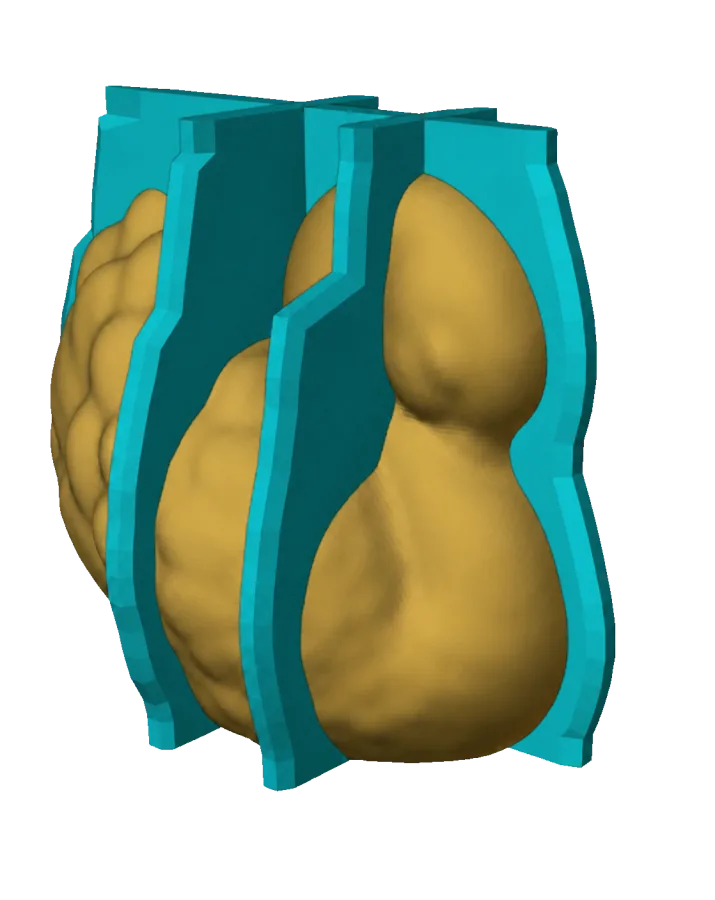
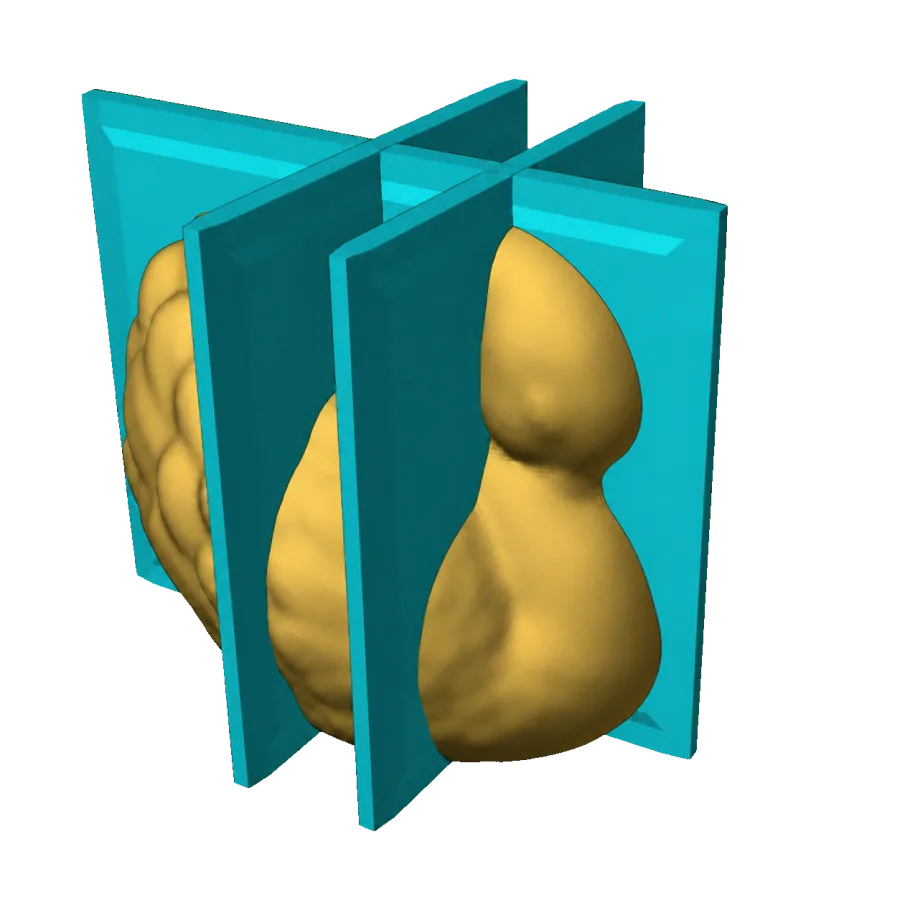
Customize casting channels, winged or non-winged bases, sealing systems, alignment features, locking clamps, screw holes, tolerances, fit, pressure, size, and clearance.
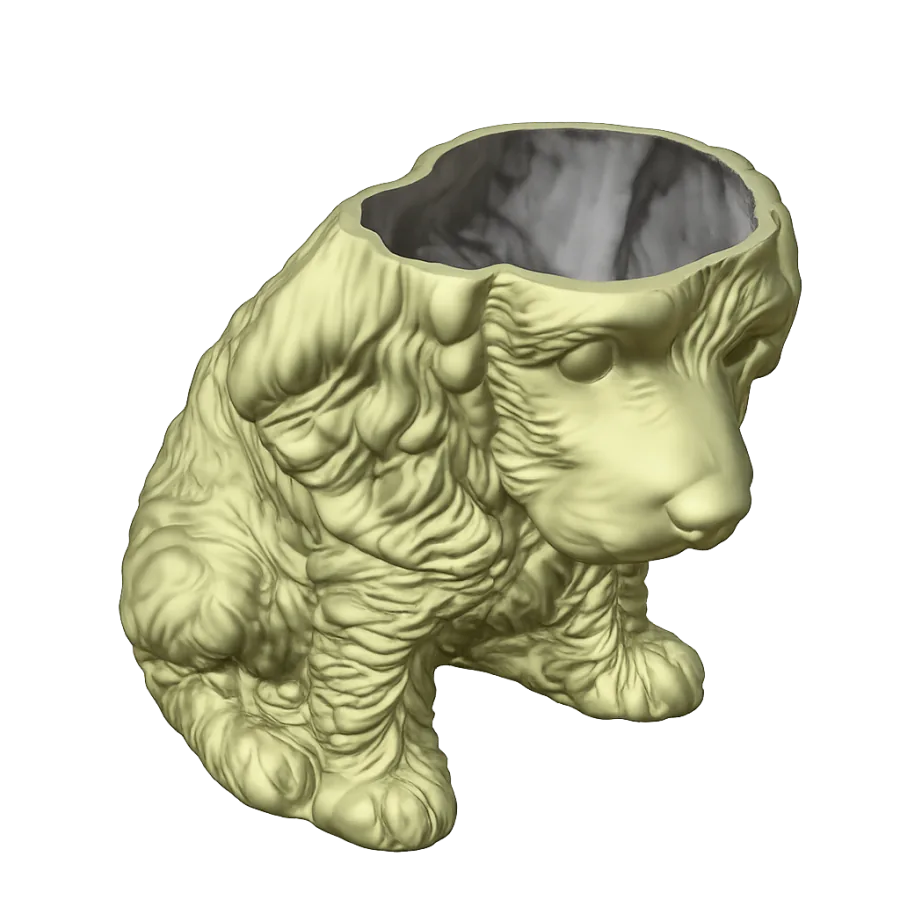
Speed up your workflow with a growing collection of smart utilities, including Convert to Planter, Master Hollower, Grid Tool for batch mold production, Casting Sprue Adder, and more.
Watch the workflow
Ready to build
Try Moldboxer free for 7 days. Start with the free trial or compare plans when you are ready for regular production.
Stay connected
Discord
Share workflows, get practical help, request features, and meet creators working with molds, casting, and 3D printing.